

PROJECT STORY · PLAYWITHPDF
Everyday PDF tasks, brought into one toolkit.
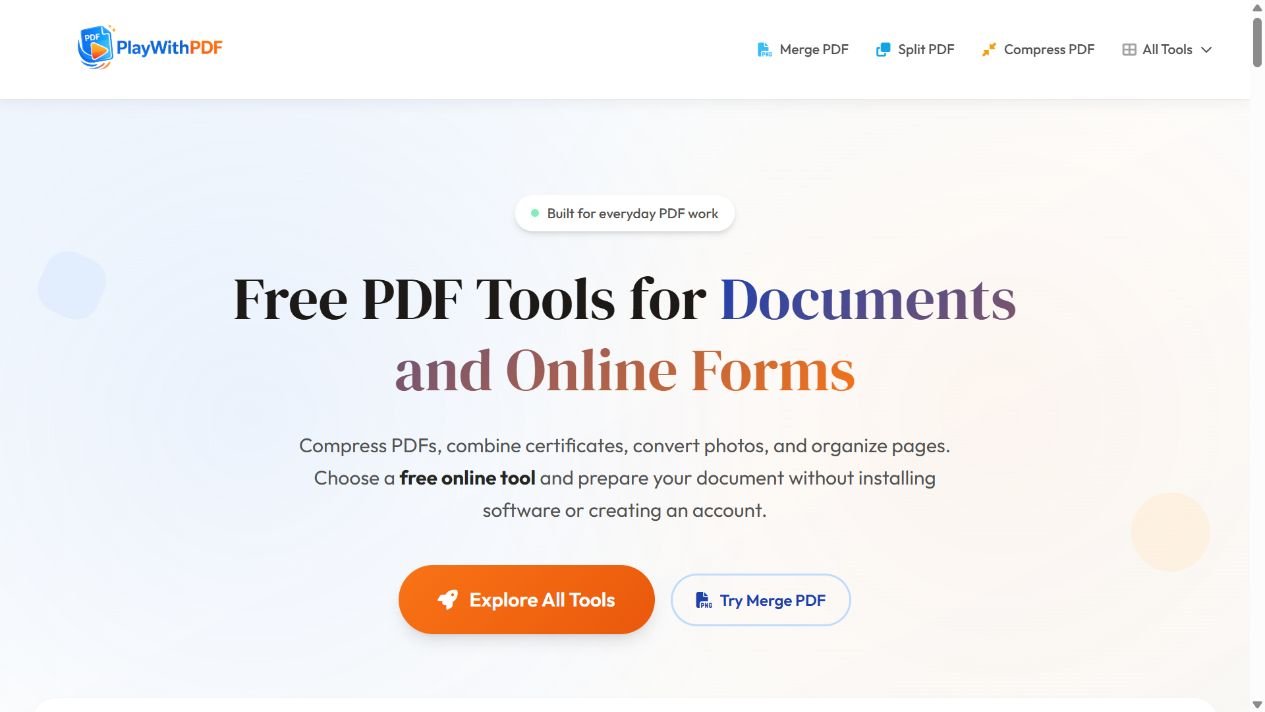
PlayWithPDF brings merging, splitting, compression, conversion and page organisation into one document toolkit, with processing guidance and practical PDF guides.

- Relationship
- Own product
- Contribution
- Built from scratch
- Focus
- PDF tools
01 / THE PRODUCT TASK
PlayWithPDF,
in context.
People preparing forms, study files, office documents and other PDF material who need to find a suitable tool and understand the next step.
Merging, splitting and converting documents need different steps. PlayWithPDF gives those tasks dedicated entry points within one toolkit, with guidance about how files are processed and how to review the requested output.
An own product by Rahul Kushwaha, built from scratch. This walkthrough focuses on the public experience and the tasks it brings together.
02 / A CLOSER LOOK
Follow the
product journey.
How the interface guides someone from their starting point to the next useful action.
A view of connected product tasks- 01
Start with the document task
The directory groups file operations, conversions, compression and other utilities. Named tools lead to dedicated pages, so someone can start with the action they need to complete.
- Starting point
- A task such as combining PDFs, organising pages or converting an image into a document.
- Next step
- A route to the matching tool and a description of the action it is intended to perform.
- 02
Make processing understandable
The site explains that processing depends on the selected tool. It distinguishes actions handled on the device from workflows that use a processing service, keeping that choice part of the document journey.
- Starting point
- The chosen operation and its published processing information.
- Next step
- Guidance about where processing happens before a user selects a document.
- 03
Give the result a review step
The document journey includes reviewing the requested output before saving or sharing it. Practical guides give further context for preparing files and choosing a suitable operation.
- Starting point
- The requested operation and the intended document output.
- Next step
- Guidance to review the result before downloading or sharing it, with links to further document resources.
03 / WHAT WAS BUILT
One product.
Connected tasks.
The public experience brings these pieces together.
- 01
Dedicated interfaces for PDF tasks, with tool links and descriptions
- 02
Categories for page organisation, conversion and document utilities
- 03
Explanations of processing choices and the document-handling journey
- 04
A linked library of practical document guides
THE SCOPE IN VIEW
What this
walkthrough covers.
- This story focuses on the document-tool interfaces, task navigation and supporting guides.
- Processing varies by tool. The site describes both browser-local and service-assisted workflows; the whole toolkit should not be treated as device-local.
- The separate PlayWithPDF Games catalogue is a different portfolio example and is outside this document-tool walkthrough.
KEEP EXPLORING / ANOTHER OWN PRODUCT

YOUR NEXT BUILD
A useful product starts
with a clear task.
Tell us who will use it, what they need to do and which systems it should connect to. We’ll work through the requirements and agree the scope.
Discuss your projectView all work